Shopify 1099-K vs payouts: why the numbers never match
Updated November 3, 2026
A US merchant opens the 1099-K and the total is higher than what reached the bank. The form is not wrong and neither is the bank. They count different things. This guide explains the difference and gives you a worksheet. It does not tell you how to file. For that, ask the person who files for you.
What the 1099-K reports, and what it does not
A 1099-K reports gross payment volume: the total of card payments processed for you in the year. It is a volume figure. It does not subtract fees, refunds or chargebacks, and it does not care when the money reached your bank.
It is also not a profit figure and not a revenue figure for your books. Whether and how an amount counts on your return is a question for your accountant.
Why it will never equal your deposits
Your deposits are net and they follow the payout calendar. Five things separate the two numbers:
- Fees. Taken before the deposit. They are in the form's gross total and not in your bank.
- Refunds. Taken from a later payout. The sale is in the gross volume and the refund reduces the deposit.
- Chargebacks. Pulled from a payout, sometimes with a dispute fee.
- Reserves. Money held back and not yet in the bank at year-end, or released in a later year.
- Timing. A December sale can be paid out in January.
Add those up and a gap between the form and the bank is normal. It is the sum of lines that each have a source. Ask your accountant what to do about the ones that matter for your return. Do not net them yourself on a guess.
Where to get the numbers
- Payout data for the year. In Shopify admin open Finances → Payouts, set the date range to the whole year and export. Export the payout transactions too, because they hold the fee, refund and reserve lines.
- The 1099-K itself. Look in your Shopify Payments settings under Settings → Payments for the tax forms area. If you cannot find it, ask Shopify Support where yours is.
The reconciliation worksheet
Copy this into a spreadsheet and fill in each line from the year's export:
| Line | Source | Amount |
|---|---|---|
| Gross card volume | Sum of charge amounts in the transactions export | |
| − Fees | Sum of the Fee column | |
| − Refunds | Sum of refund rows | |
| − Chargebacks and dispute fees | Sum of dispute rows | |
| − Net reserve held at year-end | Reserve lines minus release lines | |
| ± Adjustments | Sum of adjustment rows | |
| = Deposits for the year | Sum of payout rows, compare with the bank |
If the last line matches the bank, the gap between the form and the bank is explained. If it does not, find the payout where it breaks and check that payout alone.
Timing traps
- December sales paid out in January. They are in this year's volume and next year's deposits. Mark which side of the year boundary each payout falls on.
- Refunds across the year boundary. A refund in January for a sale in December reduces next year's deposits, not this year's.
- Reserves that carry over. A reserve taken in November and released in February is held on December 31.
Which date your return uses is not something this article can tell you. Ask the person who files for you.
What to hand your accountant
Give them the worksheet and the underlying exports, not a screenshot of the dashboard. A dashboard total cannot be traced back to rows, and an export can. Add one line of context for anything unusual, such as "reserve of 250.00 held since June" or "refund on an order from last December". Then let them decide how it goes on the return.
Skip the manual sum
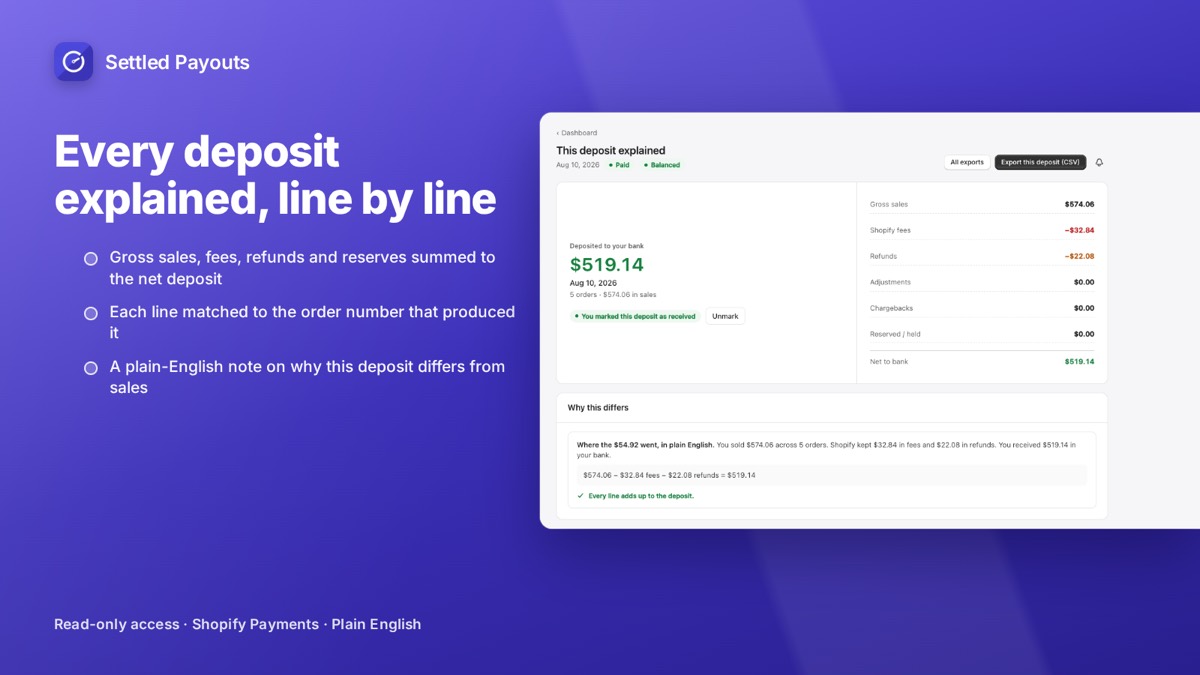
Settled Payouts shows the gross-to-net math for every payout, and on Growth it exports the year as one XLSX with a summary of payouts and a detail sheet of every balance transaction.
Year exports (CSV, XLSX, PDF) are on Growth ($39/month) and Scale. 14-day free trial, no card required. Plans: Starter $19, Growth $39, Scale $79 per month.
Search Settled Payouts on the App Store